Introduction to Generative AI

What Generative AI Is and How It Operates
As an introduction to generative ai, this software field includes models that produce new content such as text, images, audio, or video in response to instructions [Source: Generative AI beginner's guide]. The output is generated rather than retrieved as a prewritten answer .
A useful introduction to generative AI begins with three main components: a trained model, prompt instructions, and contextual data . The model processes natural language requests to elicit a corresponding output shaped by available context and system settings . Some systems also connect to external business data or uploaded files .
An introduction to generative ai clarifies that generation should not be confused with human understanding or conventional database lookup. Generative models train on vast amounts of data to perform general tasks, but they might produce unexpected or inaccurate output . Organizations use safety filters and grounding to align generated responses with reliable information sources .
This technology assists with tasks such as drafting text, generating code, and providing conversational support through natural-language interaction . People define the objective, supply relevant context, and evaluate whether the generated output is accurate and appropriate for their requirements .
Comparison table
Primary Architecture and Types of Output Models
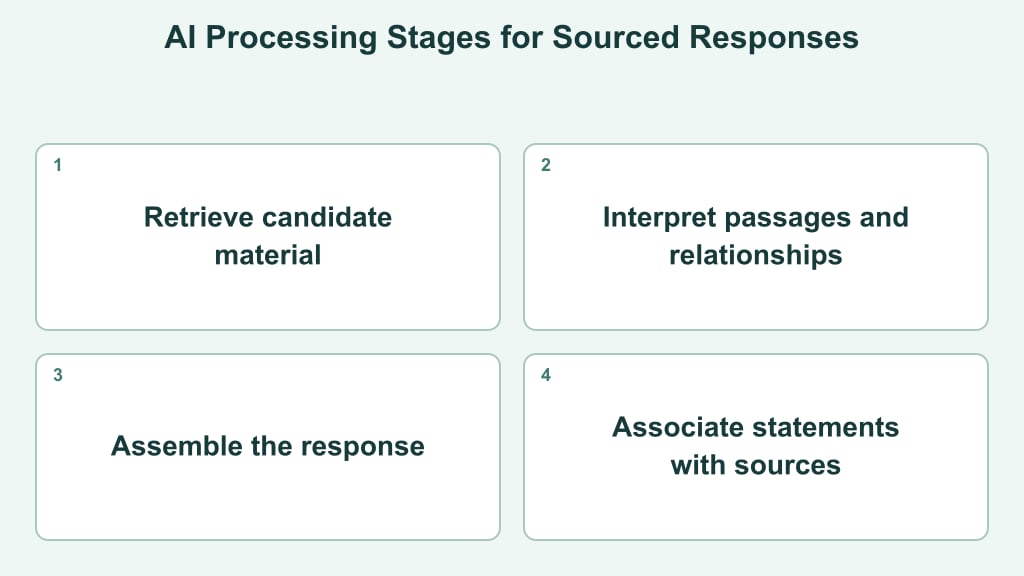
In practical applications, generative systems rely on models processing prompts to elicit responses. To support real-world workflows, systems can connect to external knowledge sources or APIs to retrieve approved material, call tools, and refine generated outputs .
Model categories are most useful when matched to the input and output required.
System setups vary depending on how models are accessed and integrated into broader workflows. Accessing foundation models through managed interfaces or APIs allows organizations to generate content from natural language requests . Retrieval-augmented generation connects models directly to external knowledge sources like documents and databases .
Infographic at a glance
Visual summary of key concepts in generative AI.



Practical Applications Across Core Business Workflows
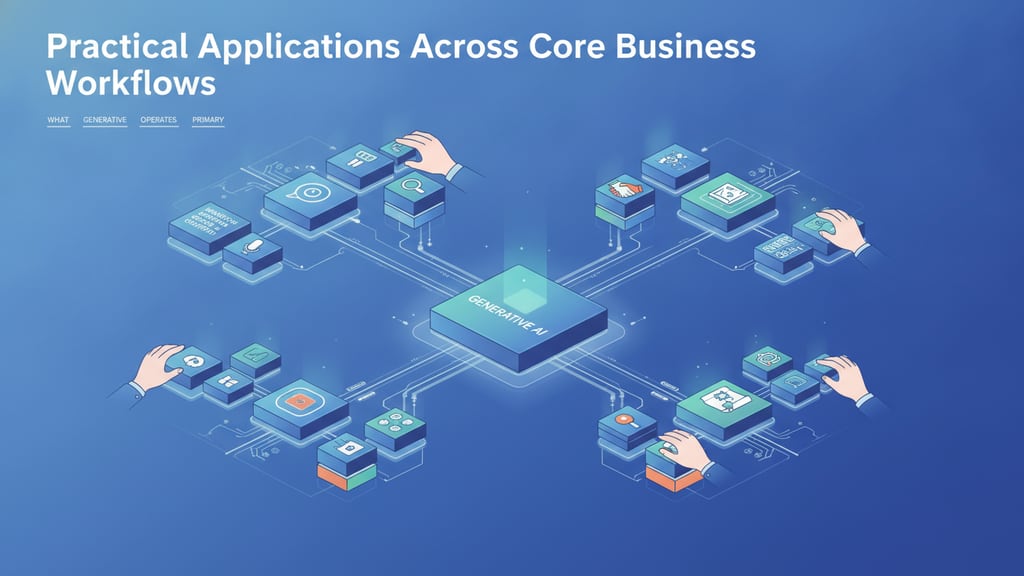
Generative AI fits business workflows where employees repeatedly create, transform, or interpret content. Language models generate text outputs, while multimodal models work across combinations of text, images, video, and audio. Google describes Gemini as a family designed for multimodal use cases, including processing images, videos, and text.
- Marketing and content workflows: Teams can use language models to draft campaign variants, restructure pages around key customer questions, or identify missing topics. They can turn identified content gaps into clear editorial briefs rather than assuming raw model suggestions are fully accurate.
- Sales enablement: A model can convert approved product notes into account-specific email drafts, meeting agendas, or proposal outlines. The practical workflow supplies customer context and permitted claims, then routes the draft to an employee before delivery.
- Customer support: AI can summarize a conversation, classify its topic, and propose a response grounded in an approved knowledge base. Escalation rules remain separate from the generated wording.
- Internal operations: Teams can transform meeting transcripts into action lists, rewrite procedures for different audiences, or extract structured fields from routine documents.
- Product and creative work: Text, image, or code models can produce interface copy, visual concepts, test cases, and prototype snippets for further refinement.
The most practical applications have a defined input, a recognizable output, and a named reviewer. Start with one bounded transformation rather than an open-ended request to automate an entire department.
Evaluation Criteria for Selecting Generative AI Systems
Evaluating generative AI tools requires looking beyond polished demonstrations. Start with task fit: define the inputs, expected output, acceptable response time, and level of human review for one workflow. A system suited to drafting text may not suit document analysis or audio interpretation.
Generative AI models create content across multiple modalities, including text, images, video, and audio. Models that process more than one modality are described as multimodal; Google's Gemini family is designed for multimodal use cases involving formats such as text, images, and video.
When evaluating visual generative models for creative applications, organizations assess output resolution, style consistency, and prompt fidelity. These benchmarks are central in Generative art, where algorithms produce visual works that require consistent artistic direction and precise spatial control.
- Output quality: Test representative prompts and score relevance, consistency, formatting, and adherence to instructions.
- Architecture and integration fit: Examine supported input types, context handling, retrieval options, APIs, identity controls, and compatibility with existing systems.
- Operational control: Compare permissions, usage visibility, administrative settings, data-handling choices, and options for human approval.
- Commercial fit: Evaluate the complete cost of expected usage rather than comparing headline access prices alone.
- Entity accuracy: If information accuracy is a goal, test whether model outputs represent organizational details correctly. Include systematic verification and citation review in the overall software evaluation.
Use the same prompt set and scoring rubric across shortlisted models. This makes practical differences easier to identify and keeps selection tied to the intended application rather than a provider's broad feature list.
Technical Limitations, Hallucinations, and Data Privacy Constraints
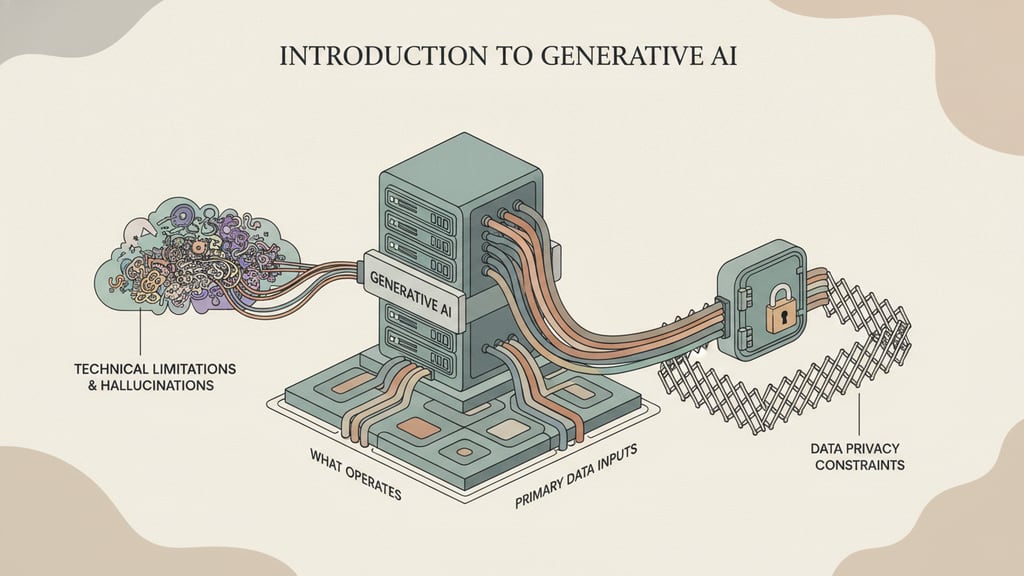
Responsible implementation of generative AI requires distinguishing fluent output from verified information. A model may produce an answer that sounds complete while containing an incorrect statement, invented citation, unsupported comparison, or misread instruction. Treat generated material as a draft whenever accuracy, attribution, or brand representation matters.
Risk varies by use case. Internal brainstorming can tolerate more uncertainty than customer support, contract summaries, financial commentary, or public claims. For higher-consequence work, require review against approved material and define which outputs cannot be published automatically. Retrieval from a controlled content set can provide relevant context, but it does not remove the need to inspect the final answer.
Privacy constraints begin with the prompt. Avoid entering confidential customer details, credentials, unpublished strategy, or proprietary documents until the organization has reviewed the provider's data-handling settings and agreed on permitted use. Access rules should reflect job roles, and integrations should expose only the information required for the selected workflow.
Technical limits also affect answer-engine visibility. Brand mention tracking can reveal variations across generative search systems, while entity SEO can make names, products, and relationships more explicit in owned content. Neither approach controls the output of an external system. Use periodic spot checks and clear escalation paths when generated answers conflict with approved facts.
Implementation Steps for Initial Adoption
- Select one bounded workflow: Choose a task with clear inputs and outputs, such as drafting support replies from approved guidance or converting meeting notes into a standard template. Avoid beginning with an organization-wide deployment.
- Define acceptable output: Create examples, required formatting, prohibited content, and review criteria. Include several realistic edge cases rather than demonstrating only ideal prompts.
- Set access boundaries: Specify who may use the system, what information may be entered, which integrations are enabled, and when a person must approve the result.
- Run a limited pilot: Give a small user group the same task set across candidate models. Compare usefulness, editing effort, consistency, response format, and workflow compatibility.
- Prepare operating guidance: Provide reusable prompt patterns, named reviewers, an escalation route, and a simple method for reporting weak or inappropriate output.
- Review visibility use cases separately: If the project concerns entity SEO or search visibility features, evaluate representative brand queries across target engines. Track citations, omitted entities, and inconsistent descriptions without assuming that owned-content changes will automatically dictate external generative outputs.
Choose the next step by balancing task fit, output quality, integration needs, privacy boundaries, review effort, and total cost. Begin with the candidate that performs reliably on the bounded pilot—not the one with the longest feature list. Assign an owner, approve the initial workflow, and schedule a review before expanding access or adding further applications.